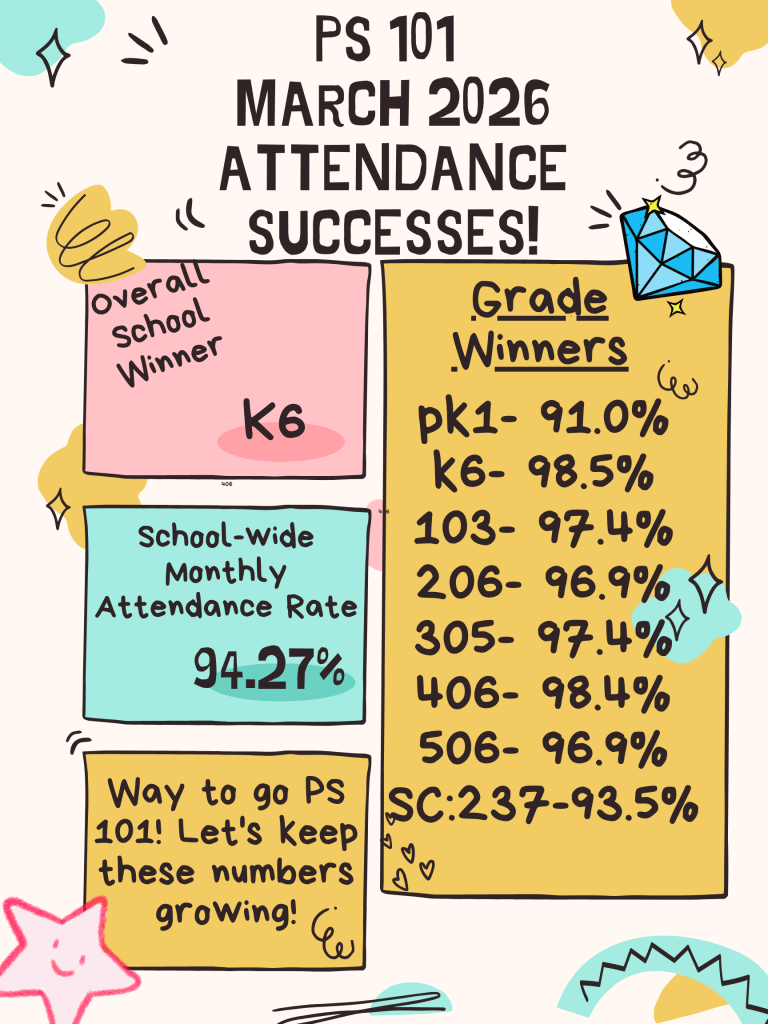
Category Archives: All Students at PS 101
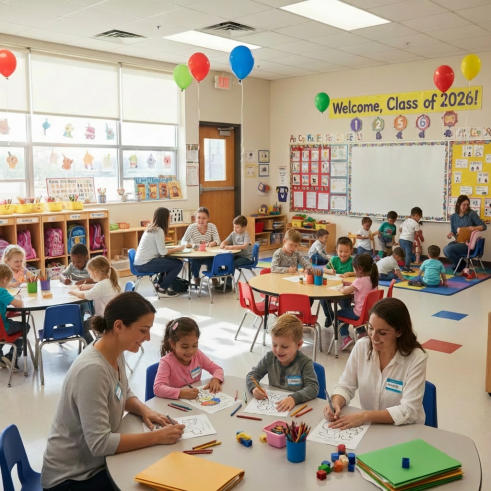
Kindergarten Offers September 2026
Daar Future PS 101 Families,
Today, Kindergarten offers are available in MySchools. If you were accepted, you will receive an email from JTartam with a link to sign up for registration, as well as what you need to bring with you when registering.
Please use the Calendly link provided in the email to select your date and time as soon as possible to come into our school to finalize registration. Your registration and acceptance are not complete until you actually register in the school.
During registration, you will be notified of the date of our Kindergarten orientation (late May/early June)where you will meet the Kindergarten teachers and learn how to prepare your child for September.
Please note, if you are on the waitlist, you have to wait for round 2 to see if you get accepted.
Please be advised PS101 has no control over the selection process or waitlist.
GK
Senior Yearbook
Greetings PS 101 Families of Current 5th Graders:
Kindly note, you are currently able to purchase the 2025-26 Senior Yearbook for your child online at this link: https://www.jostens.com/apps/store/productBrowse/1123199/PS-101-Verrazzano-School/2026-Yearbook/2026021908150726064/CATALOG_SHOP/?authuser=0
The last day to purchase the yearbook is Friday, April 10th. If you would like to purchase a copy of the yearbook, please ensure you place your order before this deadline.
Thank you for your continued support!
Saturday Afterschool Programs are Cancelled on April 4 and 11
Greetings PS 101 Families:
Please be advised that our PS 101 weekend afterschool programs on Saturdays, April 4th and April 11th will be cancelled due to maintenance/repair work being conducted in the school building and in observance of spring break.
Our Saturday afterschool programs will resume as scheduled on April 18th.
We apologize for any inconvenience and thank you for your continued support. Hope everyone has a wonderful time off for spring break and happy Easter!
PTA Bake Sale – April 16th
Greetings PS 101 Families:
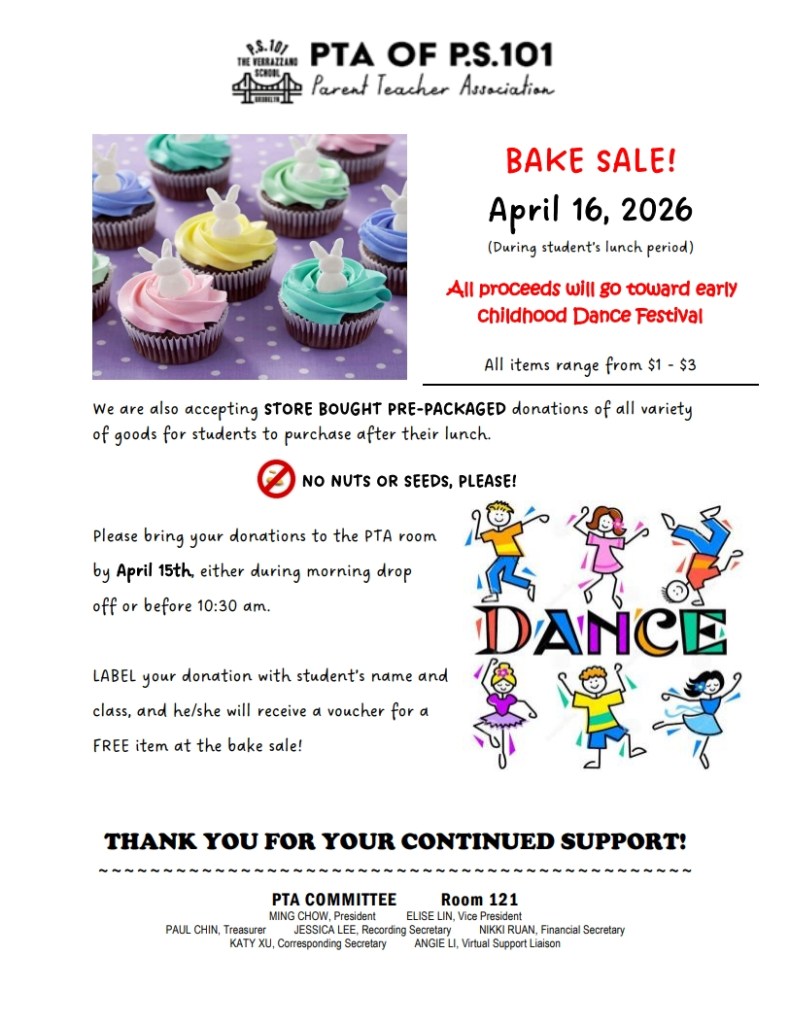
The next PTA Bake Sale is scheduled for Thursday, April 16th. Please show your support by bringing in donations of goods (NO NUTS OR SEEDS PLEASE). See below flyer for further information:
NYC Public Schools Closed on April 2 – 10
Greetings PS 101 Families,
As a reminder, per the New York City public schools’ calendar, school will be closed for Spring Recess from Thursday, April 2nd through Friday, April 10th. We hope you enjoy a restful and joyful break with family and friends.
We look forward to welcoming students back on Monday, April 13th.
For upcoming dates, announcements, and school news, please visit our website at www.ps101k.com. If you have any questions or need support, feel free to contact our Parent Coordinator, Ms. Bing Xing Lin, at (347) 563-4680 or via email at BLin9@schools.nyc.gov.
Warm wishes for a wonderful Spring Recess,
Gregg Korrol
Principal
Important Dates – April 2026
Dear PS 101 Families,
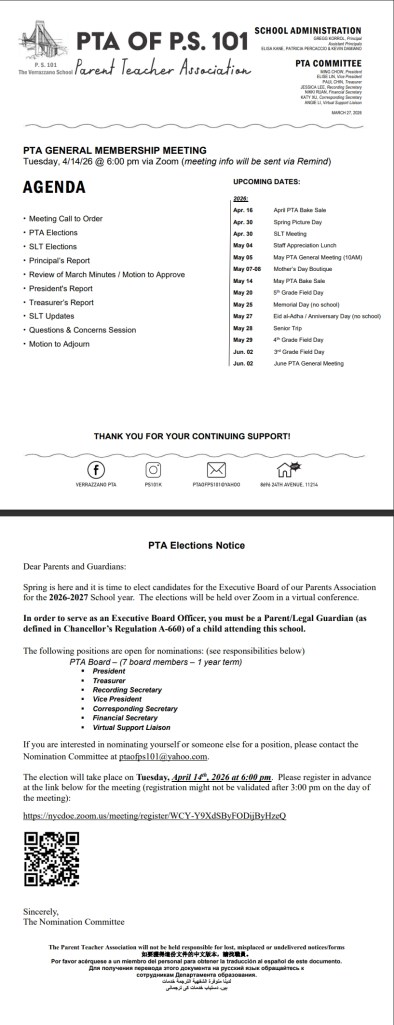
April is here, bringing new beginnings and a busy month ahead! We’re excited for all the learning, activities, and events taking place.
Please review the key dates below to stay up to date on this month’s important events and celebrations.
| DATE | APRIL EVENT DETAILS |
| Thursday, April 2 through Friday, April 10th | SPRING RECESS – NYC Schools Closed. Students return to school on Monday, April 13th. |
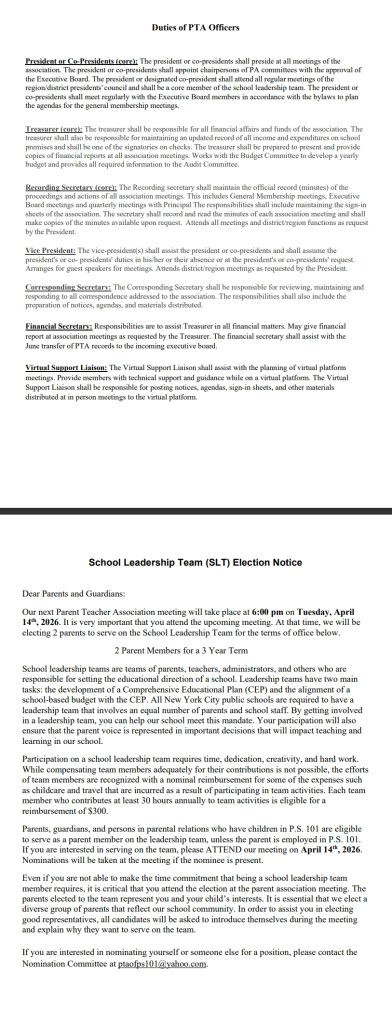
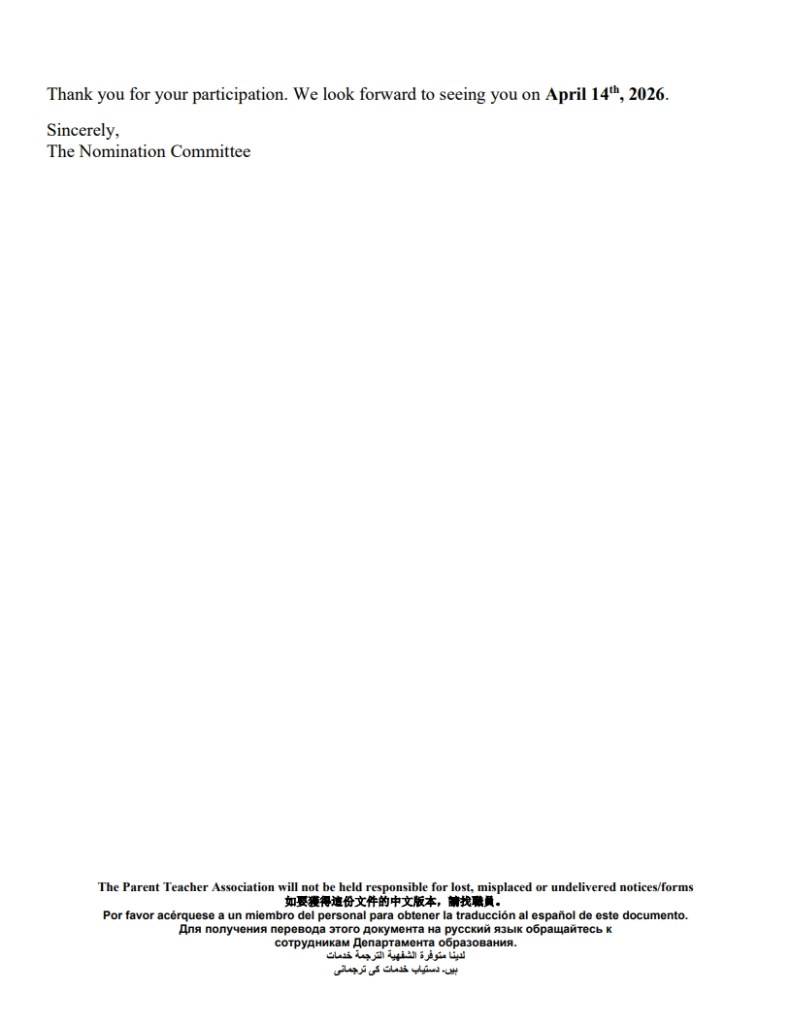
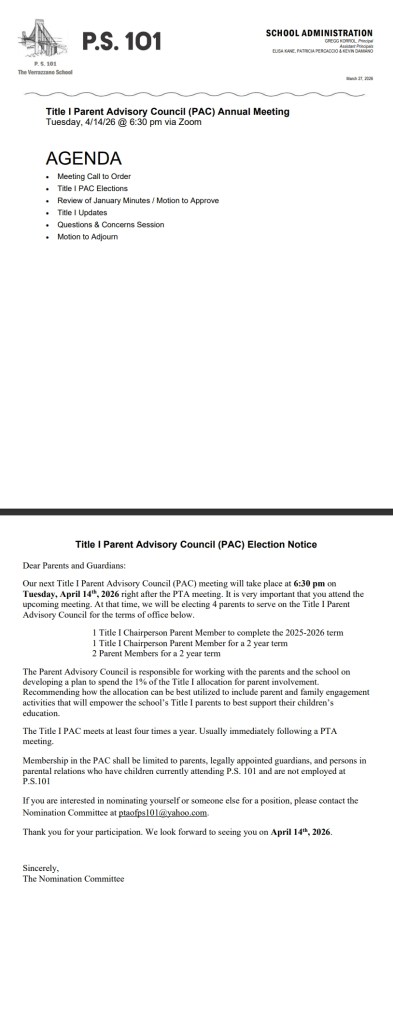
| Tuesday, April 14th | PTA General membership Meeting via ZOOM at 6PM: PTA Elections. Link to follow, closer to the meeting date. |
| Tuesday, April 14th through Friday, April 17th | CLASS LECTURE VISITS with guest speakers to review traffic safety from the NYC DEPARTMENT OF TRANSPORTATION with Grades 2 and 3 ONLY. |
| Friday, April 17th | SCHOOL SPIRIT DAY- IT’S FREAKY FRIDAY! SWITCH IT UP! Students: DRESS like a teacher/staff member! Staff: DRESS like a student! |
| Wednesday, April 29th | SCHOOL SPIRIT DAY- ROCK THE RED DAY! American Heart Association Fundraiser WEAR RED! |
If you have any questions, please don’t hesitate to reach out to your child’s teacher or our Parent Coordinator, Ms. Bing Xing Lin, at 347-563-4680 or BLin9@schools.nyc.gov.
As always, thank you for your continued partnership and support. We’re grateful for a memorable year and look forward to celebrating all that our students will achieve together!
Sincerely,
Gregg Korrol
Principal
AI (Artificial Intelligence) Use in NYC Schools
Dear PS101 Families,
Please take the survey to add your input.
Translations and more information: https://www.schools.nyc.gov/about-us/messages-for-families
GK
Reminder: There Is Still Time to Fill Out NYC Schools Parent Surveys!
Dear PS 101 Families,
It’s Parent Survey time!
School Survey = Your School + Your Voice!
Please take a few minutes to complete the NYC DOE Parent Survey to ensure your voice is heard and to help us celebrate PS 101. Your feedback is important to us, and we truly value our PS 101 families! Deadline to complete the survey is April 1, 2026.
- Online Survey Option
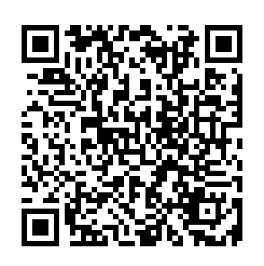
You may complete the Parent Survey online by visiting: https://surveys.panoramaed.com/nycdoe/login or scanning the QR code below.
Login instructions:
- Enter “f” followed by your child’s Student ID (OSIS#)
- Student ID numbers can be found at the top of the paper survey or in your family’s NYCSA account
- Paper Survey Option
If you prefer, you may complete the paper Parent Survey that was sent home. Please return it as soon as possible.
To ensure surveys can be scanned properly, please follow these instructions carefully:
- Use black ink, blue ink, or pencil only
- Fully shade the selected answer bubbles (no check marks or Xs)
- Do not make stray marks on the page
- Do not write over the QR code
- Do not tear the paper or remove the staple
Important Reminders & Incentives
- A separate survey is required for each child attending PS 101
(1 child = 1 survey, 2 children = 2 surveys, etc.) - When you complete a survey, your child will receive a FREE Full-Day “No Homework” Pass! 🎉
- Classroom Reward:
- The first class in each grade to reach 100% survey completion will earn an ICE CREAM PARTY! 🍦
- If you need help locating your child’s OSIS/Student ID number, please contact our Parent Coordinator:
- Ms. Bing
- 📞 347-563-4680
- 📧 BLin9@schools.nyc.gov
Thank you for your time, support, and partnership. Together, we continue to make PS 101 a wonderful place for our students and families!
Sincerely,
Gregg Korrol
Principal
 PS 101 The Verrazzano School